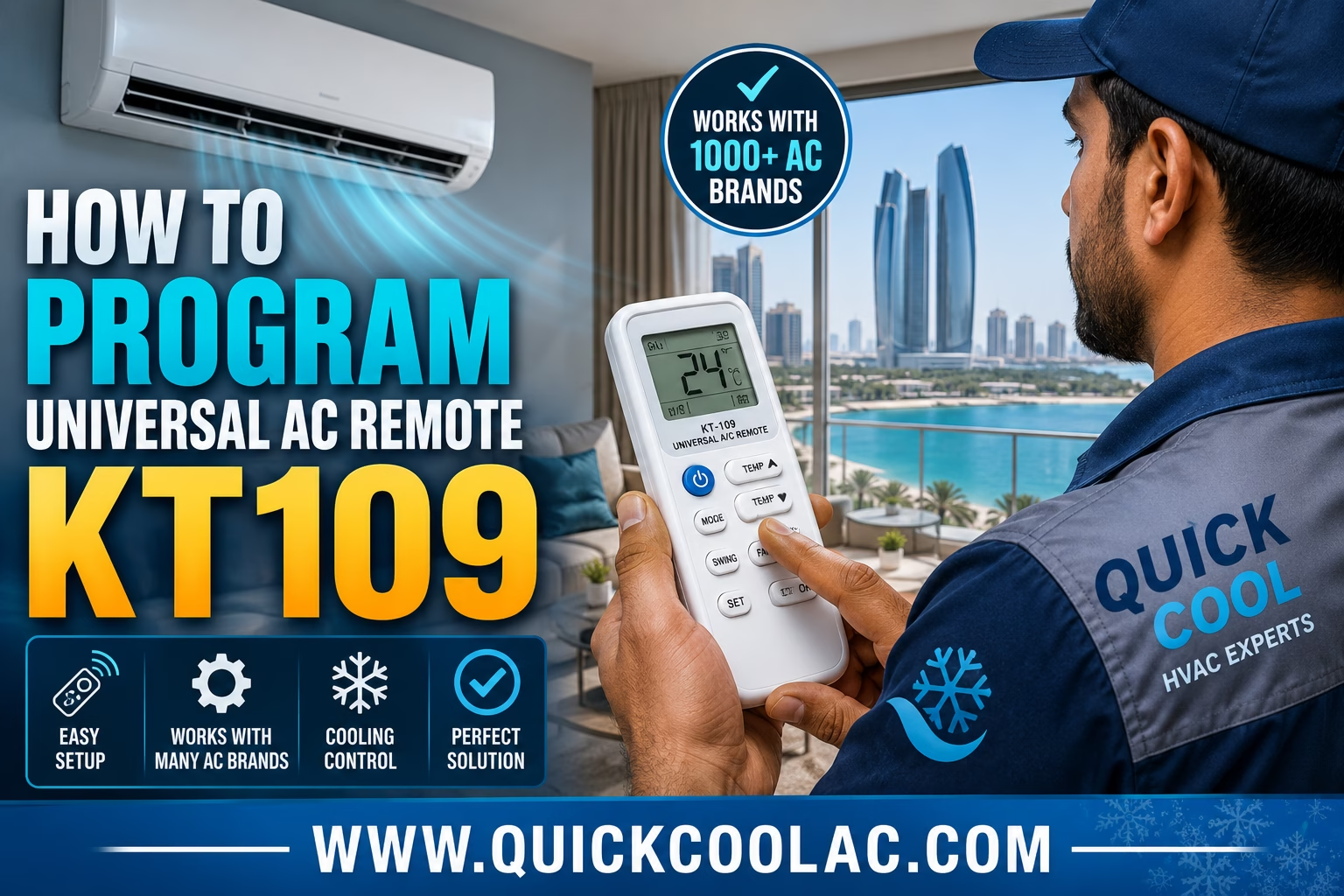
How to Program Universal AC Remote KT109
Step-by-step UAE guide for programming the KT109 universal AC remote control for split AC systems, window air conditioners, and commercial HVAC units.
Introduction
Universal AC remotes like the KT109 are extremely popular across Abu Dhabi, Dubai, and the UAE because they provide an easy replacement solution for damaged or lost air conditioner remotes. In UAE weather conditions, air conditioning systems operate daily due to extreme summer temperatures, making a functional AC remote essential for comfort and cooling control.
The KT109 universal AC remote is compatible with many popular air conditioner brands used in UAE homes, villas, offices, and commercial spaces. This guide explains how to program the KT109 remote quickly and correctly.
What Is the KT109 Universal AC Remote?
The KT109 is a universal air conditioner remote control designed to work with multiple AC brands and HVAC systems. It can control cooling modes, fan speeds, temperature settings, swing functions, and timer operations.
Many UAE homeowners use universal AC remotes because original remotes are often lost, damaged, or unavailable.
Browse premium AC remote controls for residential and commercial HVAC systems.
How to Program Universal AC Remote KT109
Method 1: Automatic Code Search
- Turn on your air conditioner manually.
- Point the KT109 remote toward the indoor AC unit.
- Press and hold the SET button until the code starts flashing on the display.
- Press the Temperature + button to begin automatic code searching.
- The remote will cycle through different AC codes automatically.
- When the AC unit turns off or responds, immediately press OK or ENTER to save the code.
- Test all remote functions including cooling mode, fan speed, and temperature control.
Method 2: Manual Code Entry
- Locate your AC brand code from the KT109 user manual.
- Turn on the air conditioner manually.
- Press and hold the SET button.
- Use the temperature buttons to enter the correct AC code.
- Press OK to confirm the code.
- Test all functions to ensure compatibility.
Common AC Brands Supported by KT109
- Gree
- LG
- Samsung
- Midea
- Daikin
- Carrier
- O General
- Super General
- Panasonic
- Hitachi
These brands are commonly installed in Abu Dhabi and Dubai residential and commercial properties.